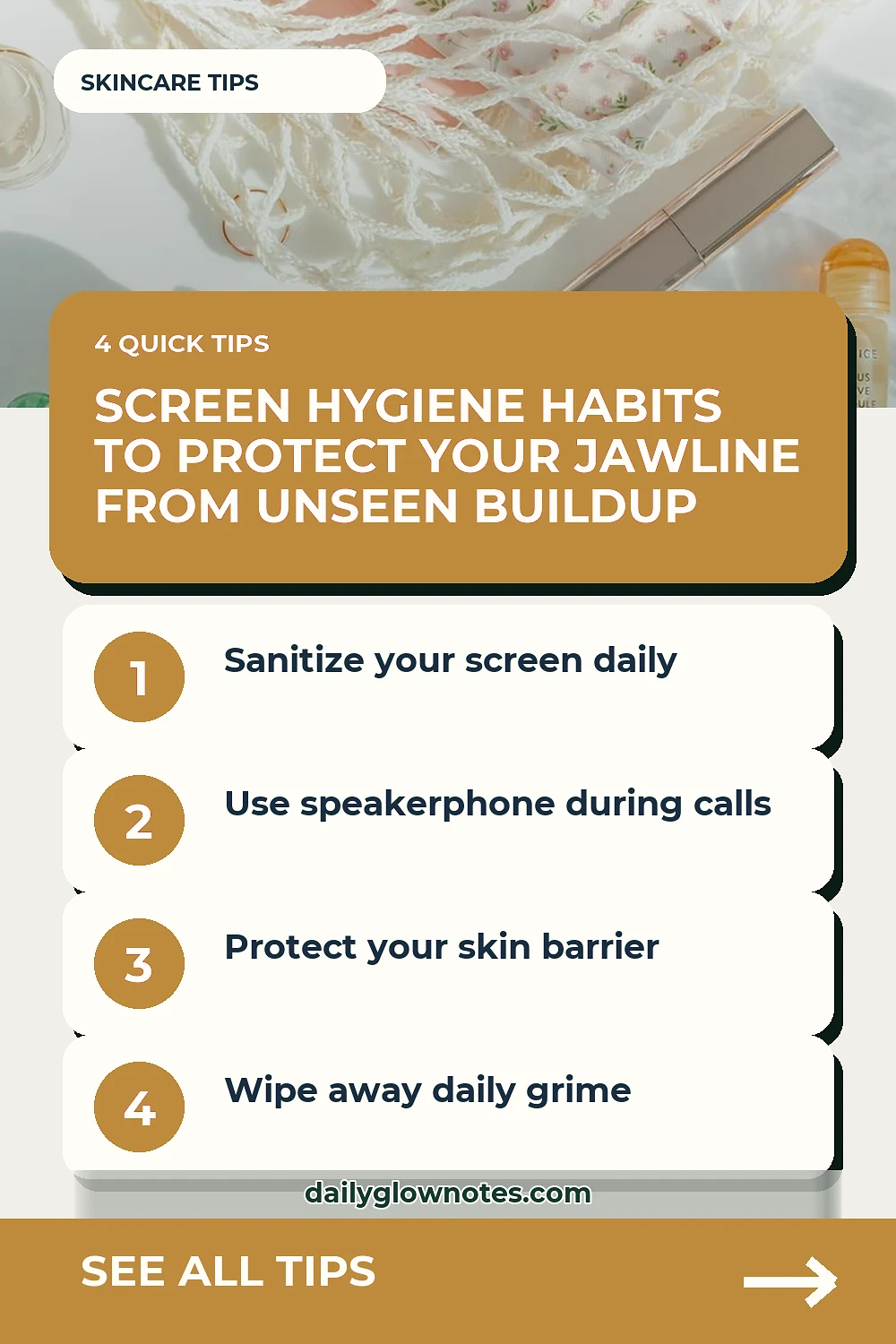

That persistent cluster of clogged pores on your right cheek might not be coming from your skincare products or your diet at all. If you spend your days scrolling through messages, taking endless work calls, and holding a glass rectangle directly against your face, your daily screen cleaning routine for adult blemish prone skin congestion could be the missing link in your wellness habits. Every time your phone touches your cheek, it transfers a collection of facial oils, makeup residue, airborne dust, and environmental bacteria accumulated throughout the day. Over time, this constant physical contact contributes to localized breakouts that no amount of targeted spot treatments can permanently resolve.
Building a mindful daily screen cleaning routine requires no harsh chemicals or expensive equipment. In fact, aggressive household disinfectants can degrade the oleophobic coating of your device and irritate your skin further if any residue transfers back during your next phone call. Instead, focusing on a gentle, consistent approach protects both your technology and your skin barrier from unnecessary irritation.
The Direct Connection Between Phone Surfaces and Cheek Congestion
Your smartphone picks up everything it encounters. It sits on coffee shop tables, goes inside handbags, rests on office desks, and travels with you into public restrooms. When a call comes in, you press that warm, microbe-attracting surface right against your skin. For adult women dealing with cyclical breakouts or sensitive skin zones, this repeated friction and bacterial transfer can overwhelm pores that are already managing normal daily sebum production.
Addressing phone hygiene for blemish prone skin is not about achieving clinical sterility, which is virtually impossible in everyday life. Rather, it is about reducing the daily load of surface impurities that your skin has to manage. By keeping your devices clean, you give your skin a break from avoidable external stress factors.
Step One: Power Down and Prepare Your Tools
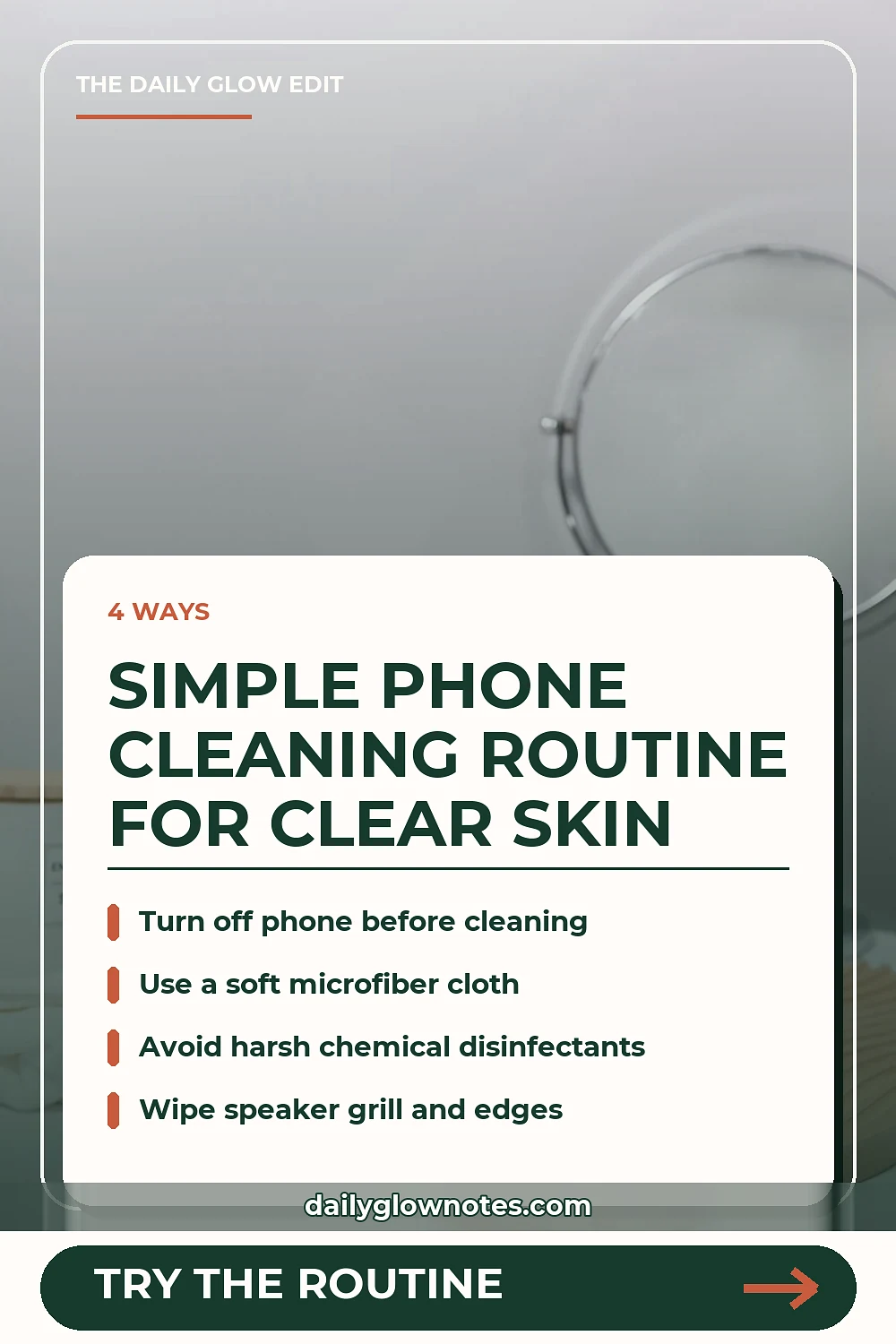
Before introducing any moisture to your device, always turn it off completely. Safety and device longevity come first. Gather a clean, soft microfiber cloth and a mild, electronics-safe cleaning solution. Avoid harsh window cleaners, bleach, rubbing alcohol with high concentrations, or vinegar, as these substances can strip protective screen coatings and leave behind residues that easily transfer to your face.
For those who also focus on maintaining clean physical touchpoints throughout their daily rituals, paying attention to how you dry your face matters just as much. You can read more about mindful daily habits in our guide on the Microfiber vs Cotton Face Towel Drying Routine for Sensitive Blemish Skin to ensure every surface touching your face remains gentle and non-abrasive.
Step Two: The Gentle Wipe-Down Technique
Lightly dampen your microfiber cloth with a small amount of distilled water or a specialized electronics cleaner. Never spray liquid directly onto your phone ports or screen edges. Gently wipe the entire surface of the phone, paying special attention to the earpiece speaker grill and the edges of the bezel where facial oils tend to accumulate heavily during phone calls.
Take your time with this step. A thorough, gentle wipe takes less than sixty seconds. Once the device is clean, use a dry section of the microfiber cloth to buff the glass and remove any lingering moisture. Allow the phone to air-dry completely for a minute before powering it back on.